Looking to boost productivity and streamline collaboration? Discover how Google Workspace through G Cloud Network simplifies your work life with professional email, secure cloud storage, and powerful team tools.
1. Introduction: Work Smarter, Not Harder
In today’s fast-paced digital world, businesses need tools that help them do more in less time. From cluttered inboxes to scattered files and delayed meetings, the challenges are real. That’s where Google Workspace steps in — a cloud-based solution that transforms the way you work.
Whether you’re a startup, school, or growing business, you can simplify your work life with Google Workspace through G Cloud Network.
2. What is Google Workspace?
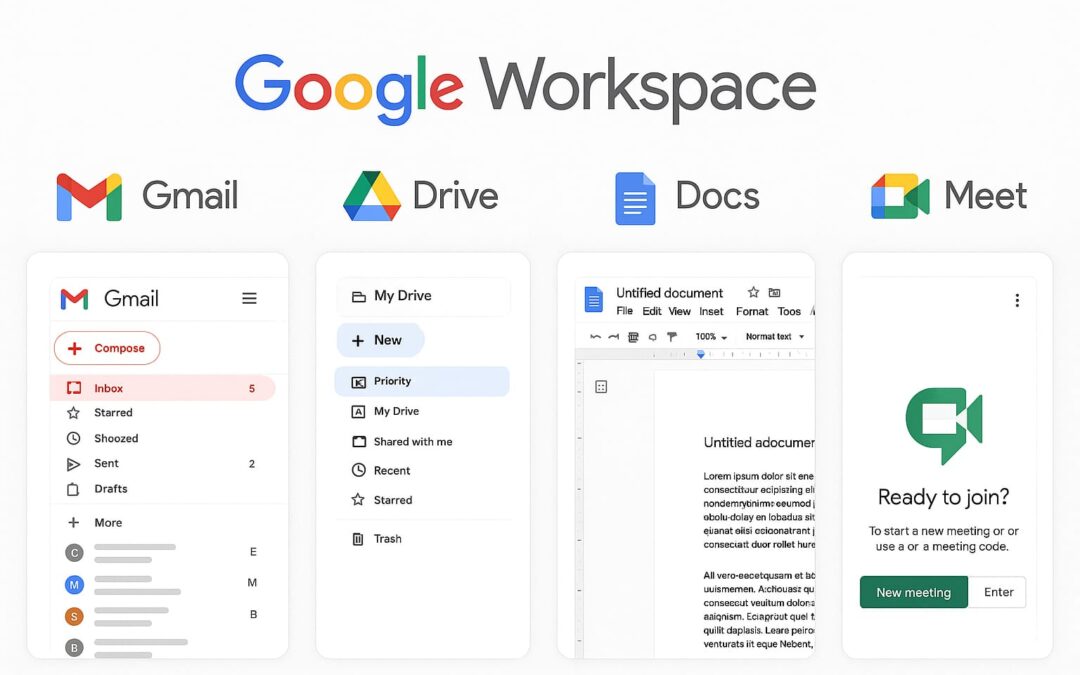
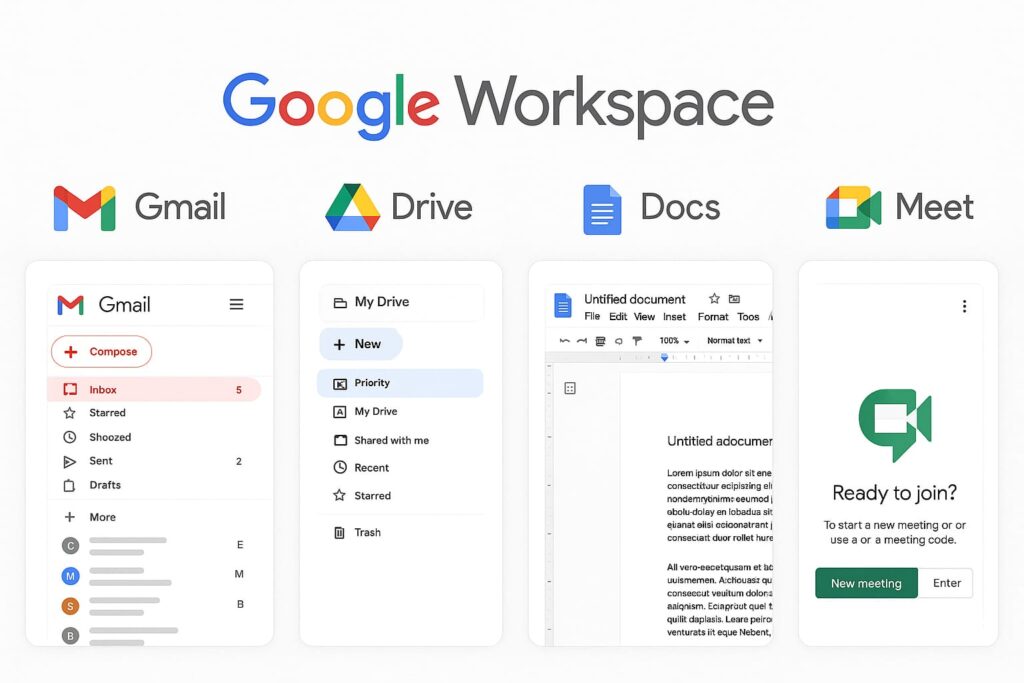
Formerly known as G Suite, Google Workspace is an all-in-one productivity suite from Google. It combines powerful tools like:
- Gmail (Professional email)
- Google Drive (Cloud storage)
- Google Docs, Sheets, Slides (Online collaboration)
- Google Meet & Chat (Video and team communication)
- Google Calendar (Smart scheduling)
These tools are integrated into a seamless cloud platform accessible anytime, anywhere — ideal for today’s hybrid and remote workforce.
3. Key Features That Simplify Work Life
Here’s how Google Workspace helps you work better:
✅ Professional Business Email
Use Gmail with your own domain name (e.g., you@yourbusiness.com). It boosts credibility and keeps your communication organized.
✅ Real-Time Collaboration
Team members can work on the same document, sheet, or presentation simultaneously — eliminating version confusion.
✅ Secure Cloud Storage
Store and access all your files safely on Google Drive. Share securely, control permissions, and find files instantly with smart search.
✅ Easy Virtual Meetings
Google Meet offers high-quality video calls with built-in calendar integration. No extra app downloads needed.
✅ Centralized Admin Control
Manage users, devices, data policies, and security settings from one simple dashboard.
4. Benefits of Google Workspace for Small and Medium Businesses
For small and mid-size teams, Google Workspace offers powerful advantages:
- Lower IT costs: No need for physical servers or expensive licenses
- Scalability: Add or remove users with ease
- Productivity boost: Everything works together, seamlessly
- Security-first: Built-in spam filtering, two-step verification, and data loss protection
- Cross-device access: Work from desktop, tablet, or mobile
5. Why Choose G Cloud Network as Your Google Workspace Partner?
Choosing the right partner for setup and support is key to unlocking the full power of Google Workspace. That’s where G Cloud Network stands out.
🤝 What G Cloud Offers:
- Google Workspace license at best pricing
- Expert setup & migration support
- User training & onboarding
- 24×7 support for troubleshooting
- Customization for your business needs
We make sure you don’t just use Google Workspace — we make sure it works for you.
6. Real Use Cases: Teams Thriving with Google Workspace
🏢 Startup Team:
A 5-member startup moved to Google Workspace through G Cloud. Result? 30% more productivity thanks to real-time Docs collaboration and shared calendars.
🏫 Educational Institute:
A school in Tamil Nadu adopted Google Workspace for Education and transformed student-teacher interaction through Google Meet and Classroom.
🛍 E-commerce Business:
An online store improved order processing and customer communication using Gmail, Drive, and Google Forms integration.
7. Getting Started is Easy with G Cloud
Here’s how simple it is to begin:
- Reach out to G Cloud Network through our contact form or WhatsApp
- We assess your needs and suggest the best Google Workspace plan
- We set up everything – from email to Drive to security
- You go live with all tools ready to use
- Ongoing support whenever you need help
No tech headaches. Just smooth, supported onboarding.
8. Final Thoughts
In 2025, it’s no longer about working harder — it’s about working smarter. And nothing makes it easier than Google Workspace.
With G Cloud Network, you’re not just buying licenses — you’re getting a partner that ensures your digital workplace runs smoothly.
Whether you’re a solopreneur, an educator, or running a growing business, simplify your work life today.
👉 Start with Google Workspace through G Cloud Network.
🔍 FAQs
Q1: Can I use Google Workspace on my mobile phone?
Yes! All Workspace apps like Gmail, Drive, and Meet have mobile versions.
Q2: How secure is my data?
Very secure. Google Workspace includes built-in protections like 2FA, encrypted storage, and admin controls.
Q3: Do I need technical knowledge to use it?
Not at all. It’s user-friendly and we at G Cloud provide full support.
Q4: Can I migrate my old emails and files?
Yes. G Cloud Network helps with full migration from Outlook, Zoho, or any other system.
Q5: What is the cost of Google Workspace?
Plans start affordably. Contact G Cloud for exclusive pricing and discounts.
📎 Internal Link Suggestion:
Link to:
/contact → Contact G Cloud Network for Google Workspace Setup
/services/google-cloud → More Google Cloud Solutions from G Cloud.